
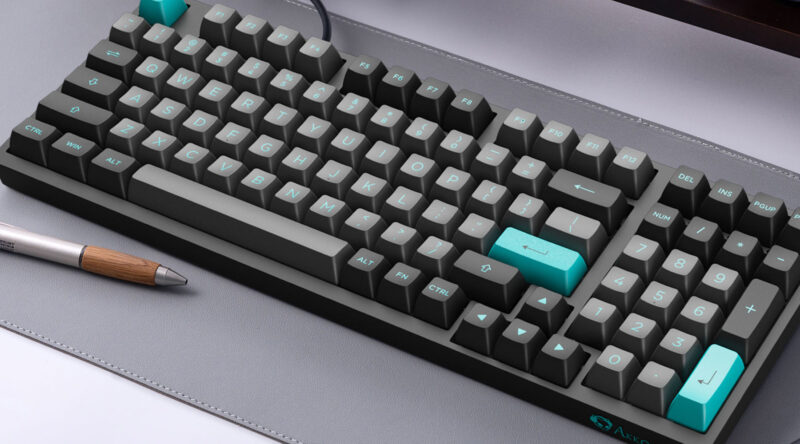
Most of us type thousands of words every day without thinking much about the keyboard beneath our fingers. The layout feels familiar, almost invisible. Yet the keyboard layout you use can influence typing comfort, finger movement, and sometimes even your speed at work.
Productivity is not only about typing faster. It also includes reducing fatigue, minimizing errors, and creating a typing experience that feels natural during long work sessions. Different layouts approach these goals in different ways.
Choosing the best keyboard layout for productivity means understanding how layouts work, how they affect typing mechanics, and how they align with your workflow. Once you know the differences, picking the right one becomes much easier.
Why keyboard layout matters for productivity
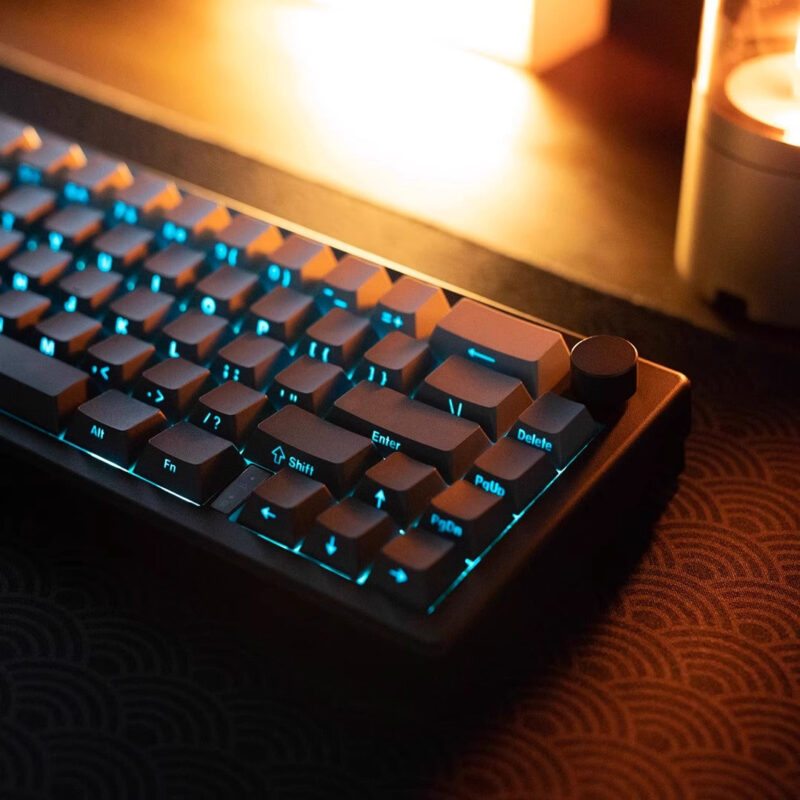
Typing efficiency is shaped by how frequently used letters are positioned and how your fingers move between them. A layout that reduces unnecessary movement can lower fatigue and improve accuracy during long sessions.
Researchers studying keyboard ergonomics often look at factors such as finger travel distance, hand balance, and typing rhythm. Layouts designed for efficiency attempt to place common letters on the home row to minimize motion.
A productive keyboard layout typically aims to:
- Reduce finger travel distance during typing
- Distribute workload between both hands
- Place frequently used letters on the home row
- Limit awkward finger combinations
Small improvements in these areas can make a noticeable difference when typing for hours each day. Over time, the cumulative effect becomes even more significant.
Input methods and language efficiency

Keyboard productivity is not just about letter placement. The input system you use can also shape how efficiently you write, especially when typing in languages with complex characters.
For example, many people who write Chinese rely on specialized input tools. A popular example is 搜狗输入法. It combines predictive typing, language models, and dictionary learning to speed up text entry.
Instead of typing every character manually, modern input systems can suggest words and phrases in real time. That reduces keystrokes and improves typing flow.
In practical terms, productivity often improves through:
- Smart word prediction
- Personalized phrase suggestions
- Faster character selection
- Reduced typing errors
When selecting a keyboard layout, it is worth considering how well it works with the input method or language system you use most often.
The most common keyboard layouts explained
Different keyboard layouts exist because designers have attempted to improve typing efficiency over time. Each layout focuses on slightly different priorities such as familiarity, ergonomics, or reduced finger travel.
QWERTY layout
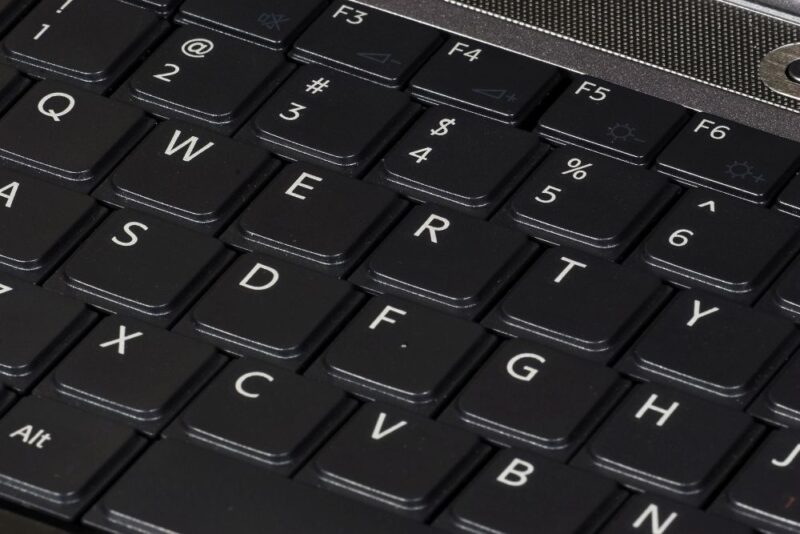
The QWERTY keyboard is the most widely used layout in the world. It was originally designed in the 19th century for typewriters, mainly to prevent mechanical jams by spacing frequently used letter pairs apart.
Its advantages include:
- Universal compatibility across devices
• Minimal learning curve
• Strong muscle memory for most users
The downside is that the layout was not optimized for modern typing efficiency. Some studies suggest it may require more finger movement compared with newer layouts.
Still, familiarity often outweighs theoretical inefficiency.
Dvorak layout
The Dvorak layout was created to increase typing speed and reduce strain. It places the most commonly used letters on the home row so typists can type more words without moving their fingers far.
Many proponents highlight several potential advantages:
- Less finger movement during typing
• Balanced use of both hands
• Increased typing comfort for long sessions
Some studies report modest speed improvements, sometimes between two and eleven percent depending on experience and training.
However, switching requires retraining muscle memory, which can temporarily reduce productivity.
Colemak layout
Colemak is a more modern alternative designed as a compromise between QWERTY familiarity and ergonomic efficiency.
Unlike Dvorak, it keeps many QWERTY keys in the same position while reorganizing others to improve finger travel distance.
Many typists choose Colemak because it offers:
- Shorter finger travel distance
• Faster adaptation for QWERTY users
• Comfortable hand alternation patterns
Some analyses show that Colemak may reduce finger movement even more than Dvorak in certain typing scenarios.
This balance between efficiency and familiarity makes it appealing for people considering a layout change.
Comparing major keyboard layouts
A quick comparison highlights how the most common layouts differ in purpose and usability.
| Layout | Main goal | Learning curve | Compatibility |
|---|---|---|---|
| QWERTY | Universal standard | Very low | Excellent |
| Dvorak | Typing efficiency and ergonomics | High | Good |
| Colemak | Efficiency with minimal change | Moderate | Good |
QWERTY remains dominant mainly because of habit and widespread adoption. Alternative layouts may offer ergonomic advantages but require time to learn.
For many professionals, the productivity trade off depends on how much typing they perform each day.
Keyboard layout and finger movement
Motion studies show that layouts such as Dvorak can reduce finger travel compared with QWERTY by placing frequently used letters closer to the home row.
Less finger movement means less strain during long typing sessions. That benefit becomes especially noticeable for writers, programmers, and analysts who spend most of their day at a keyboard.
Still, improved ergonomics do not automatically guarantee higher productivity. Learning time plays a major role.
If switching layouts causes weeks of slower typing, the productivity gain may not appear immediately.
How to decide which layout works best for you
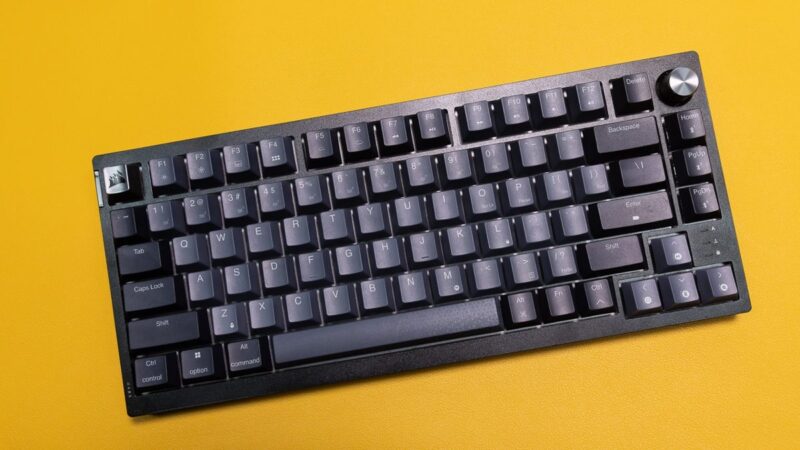
Choosing the best keyboard layout is ultimately personal. The most productive option depends on how you work, how much you type, and whether you are willing to retrain your typing habits.
Start by asking yourself a few practical questions.
- Do you type for several hours every day
• Are you experiencing finger or wrist fatigue
• Are you willing to spend time relearning typing
• Do you use multiple computers or shared devices
Writers and programmers sometimes benefit from ergonomic layouts because they type constantly. Casual users, on the other hand, often gain more productivity by staying with QWERTY.
Another factor is device compatibility. A layout that works well on your personal computer may not be available on shared machines.
Practical tips for improving keyboard productivity
Even without changing layouts, small adjustments can dramatically improve typing efficiency.
Consider the following improvements that many professionals use:
- Practice touch typing regularly
• Keep wrists neutral and relaxed
• Use keyboard shortcuts instead of menus
• Adjust keyboard height and angle
A small habit like using shortcuts can save hundreds of clicks each day. Over weeks and months, those small savings compound into significant productivity gains.
Ergonomic keyboards and split designs can also reduce strain if you type extensively.
Final thoughts
Keyboard layouts are one of those tools we rarely question until productivity becomes a concern. Yet the layout you use influences typing comfort, efficiency, and long term ergonomics.
QWERTY remains the most practical choice for many people because of its familiarity and universal compatibility. Alternative layouts such as Dvorak or Colemak aim to reduce finger movement and improve typing efficiency, though they require time to learn.
Productivity ultimately comes from a combination of layout, typing technique, and workflow habits.
The best keyboard layout is the one that lets you type comfortably, accurately, and consistently throughout your workday.